
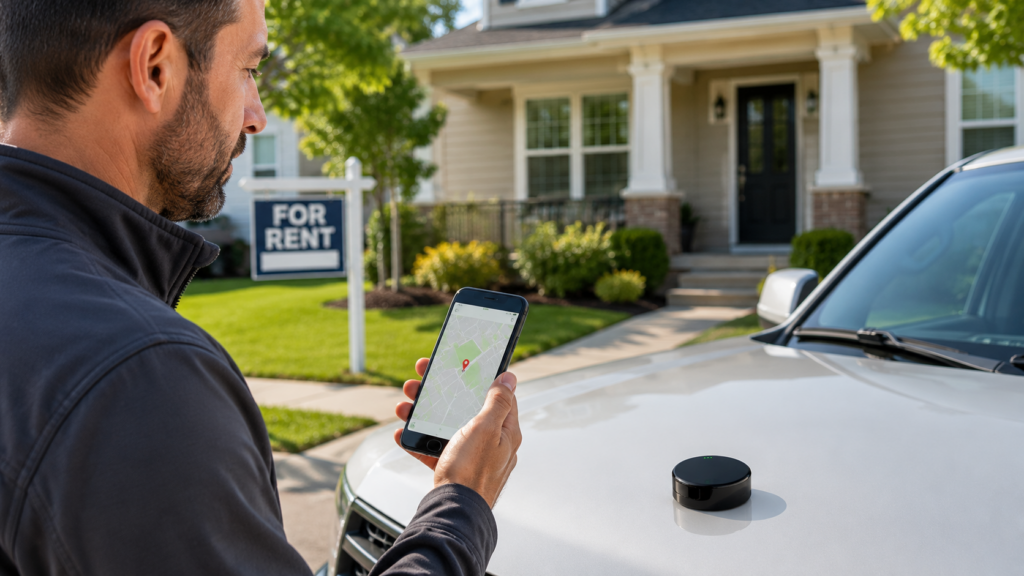
Real estate companies spend most of the day in motion. Agents drive to showings, property managers inspect units, maintenance crews respond to service calls, and company vehicles move tools and equipment from site to site.
As a portfolio or team grows, keeping track of all that movement gets harder. GPS tracking gives managers a simple way to monitor vehicles, review travel history, verify property visits, log mileage, and coordinate teams across multiple locations.
The real value isn’t just knowing where a vehicle is right now. It’s the data behind it, scheduling, maintenance, mileage, and asset use, that helps managers make better decisions.
Why Real Estate Companies Use GPS Tracking
A small office with a few agents can usually manage travel with phone calls and calendars. A larger property management company with dozens of vehicles and contractors moving between rentals, apartments, and job sites cannot.
A GPS tracking system typically provides the following:
- Current vehicle location
- Trip history and past routes
- Arrival and departure times
- Mileage and travel distance
- Geofence activity
- Location-based alerts
- Movement outside scheduled hours
This data is useful for property managers, brokers, investors, maintenance supervisors, and any company running its own field team. For businesses that also move trailers between properties or job sites, a GPS tracker for trailers can extend that visibility to unpowered assets.
Where GPS Tracking Actually Helps Day-to-Day
The uses below cover the situations real estate companies run into most often, from field visibility to mileage records to protecting equipment that moves between sites. Not every business needs all eight, but most will recognize at least a few of these as recurring pain points.
1. Track Company Vehicles and Field Teams
Real estate fleet tracking gives managers a clearer view of company vehicles throughout the day.
A brokerage with agents in company cars, a property manager with maintenance vans, or an investor with a large rental portfolio all face the same problem: without tracking, finding out where someone is means calling or texting them.
A GPS tracker records trip history and, depending on the system, live location while a vehicle is moving. If an urgent repair comes in, a manager can check which technician is closest instead of calling around. GPS doesn’t make the scheduling call; it just gives the manager better information to make it.
2. Verify Property Visits and Maintenance Calls
Managing dozens or hundreds of properties makes it harder to track inspections, repairs, and routine visits by memory alone.
GPS location history can show whether a vehicle reached a property around a scheduled time and when it left. That record can be checked against the work order or appointment log, and it helps answer a property owner’s question about whether a visit actually happened.
GPS data isn’t proof that a specific repair was completed. A vehicle showing up at an address doesn’t confirm the job itself. Work orders and employee reports still matter; GPS just adds another data point.
3. Use Geofencing Around Properties and Job Sites

Geofencing creates a virtual boundary around a property, office, storage yard, or job site. When a tracked vehicle enters or leaves that boundary, the system can log the event or send an alert.
Practical uses include:
- An arrival notification when a technician reaches a property
- A departure log after an inspection
- Geofences around storage yards holding company vehicles, trailers, or equipment
Geofence size matters. Too small, and it may miss normal arrivals at large complexes. Too large, and it starts logging activity unrelated to the property.
4. Improve Maintenance Team Scheduling
Maintenance teams often lose real time to driving between properties.
Say a company manages 50 rental units across a city. One technician is on the east side, another on the west, and an emergency request comes in near the center. Knowing vehicle locations lets a manager assign the closest available person instead of guessing.
Route history over time can also expose inefficient patterns, like a technician repeatedly crossing town for small jobs that could have gone to someone closer. Managers can use that data to group nearby calls or reassign service areas. It’s not a replacement for good dispatching, just better information for the person doing it.
5. Keep Better Mileage and Travel Records
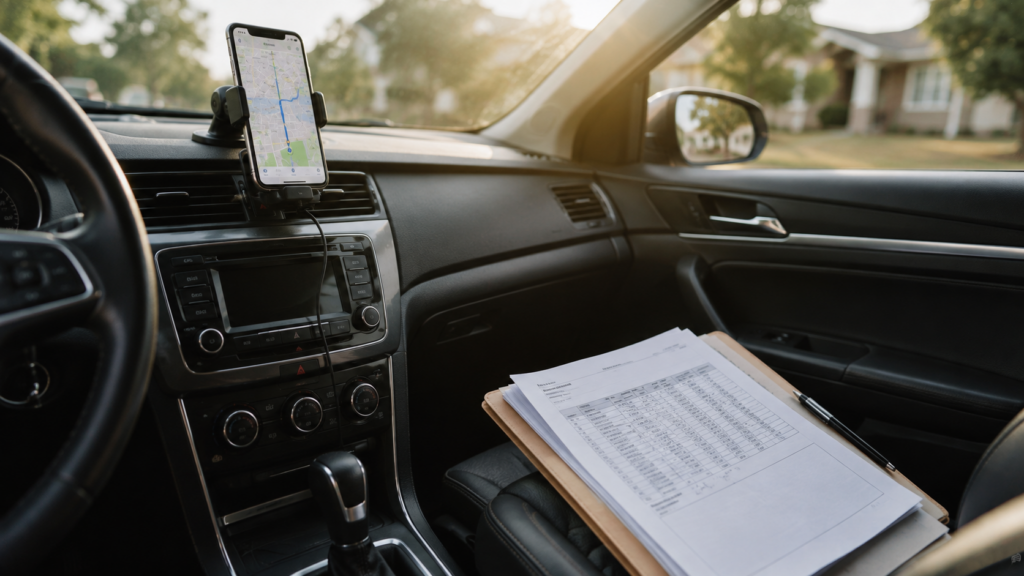
Agents and property managers drive to showings, inspections, contractor meetings, and rental properties throughout the week. Logging every trip by hand is tedious and easy to forget.
GPS-based mileage tracking can organize trips automatically by date, distance, route, and vehicle, which simplifies travel reports and reimbursement reviews.
The IRS standard mileage rate also changes over the year. For the second half of 2026, the rate is 76 cents per mile, up from 72.5 cents in the first half. A GPS report doesn’t automatically make a trip tax deductible; businesses still need to follow IRS recordkeeping requirements and should consult a tax professional with specific questions.
6. Protect Company Vehicles, Trailers, and Equipment
Real estate businesses often have more mobile assets than managers realize, including maintenance vans, trailers, generators, and landscaping equipment moving between properties.
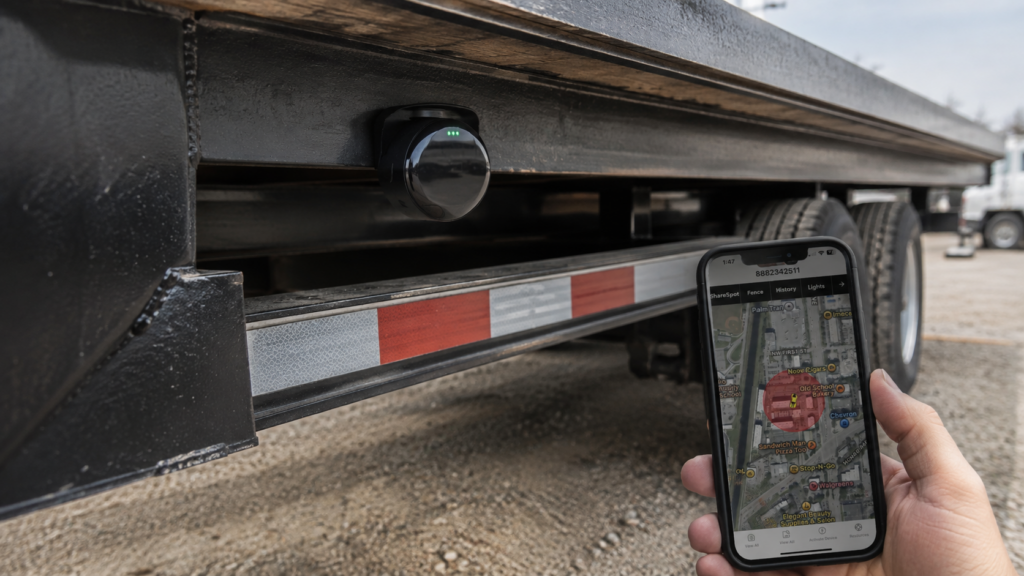
A trailer GPS tracker can help managers monitor trailers when they’re detached from a vehicle and receive alerts if they move unexpectedly. For example, if a trailer normally stays parked at the maintenance yard overnight, an alert can notify the manager when it starts moving.
The type of tracker matters, too. A vehicle-powered device works well for a van with steady power access. A trailer needs a battery-powered tracker built to handle rain, dust, and temperature swings.
7. Monitor Vacant Properties and Remote Locations
Vacant properties, whether between tenants, mid-renovation, or listed for sale, often see contractors, inspectors, and maintenance workers coming and going at different times.
GPS tracking isn’t a security system or alarm replacement, but it can show when company vehicles or tracked equipment arrive at a location. A geofence around a renovation site lets a manager review arrival and departure activity without being on-site.
It’s worth remembering the distinction: a GPS tracker reports the location of the vehicle or asset it’s attached to. It doesn’t show what’s happening inside the building.
8. Keep a Record of Routes and Site Activity
Historical GPS data becomes more useful the longer a company collects it. Over time, it can show how often a vehicle visits a property, how long typical trips take, and how much driving a team completes in a week.
Those patterns can surface problems that aren’t obvious day to day. A property manager might find that one maintenance vehicle keeps crossing town for jobs that should have gone to someone closer, then adjust how appointments are assigned.
The same records are useful when questions come up about travel expenses, appointment timing, or vehicle use, giving managers another data point alongside calendars, invoices, and work orders.
A Real-World Example
A property management company oversees 40 rental properties with three maintenance vehicles. Two technicians are already handling scheduled repairs when a tenant reports a water leak at another property.
The manager checks vehicle locations, sees one technician is several miles out and another is finishing up nearby, and assigns the closer one to the emergency call.
Later, the company reviews the vehicle’s trip history against the maintenance work order. No single piece of GPS data proves the repair happened exactly as reported;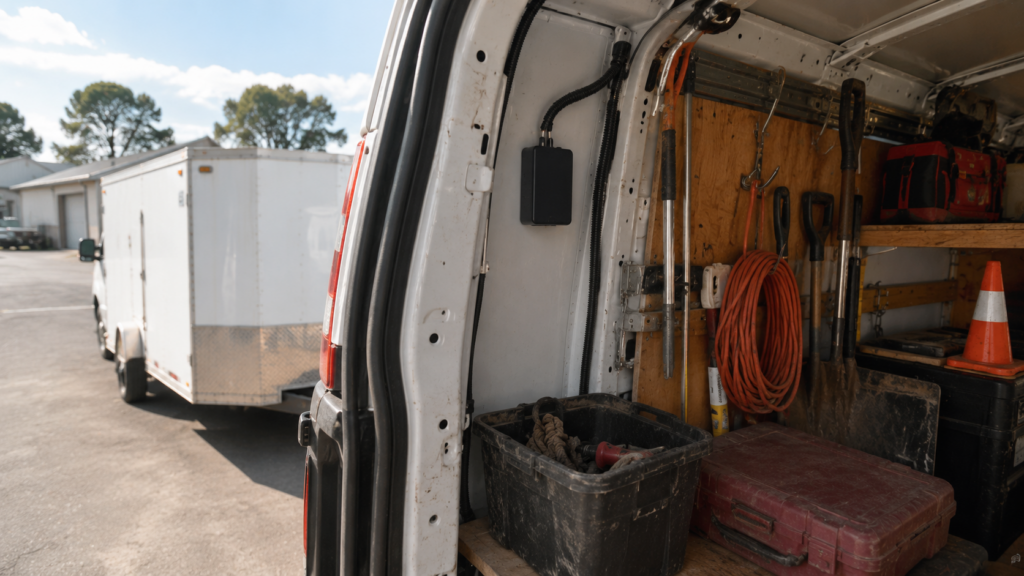 it simply gives the manager another way to piece together how the day went. Across dozens of properties, those small decisions add up.
What to Consider Before Using GPS Tracking
GPS tracking is useful, but it works best with clear rules in place. Employees should understand:
- What information is collected
- When tracking is active
- Who can access location data
- How long records are kept
- Whether company vehicles can be used for personal trips
- What happens if a personal vehicle is used for work
Tracking a company-owned fleet is different from tracking an employee’s personal vehicle, and privacy or employment requirements can vary by location. Businesses should get appropriate legal advice before rolling out a tracking policy.
The system itself should match the company’s size. A small brokerage with three vehicles may only need basic location history and alerts. A larger property management company may need geofencing, mileage reports, and asset tracking across dozens of devices.
How to Choose a GPS Tracking System
Before choosing a system, consider what the business needs to monitor and how employees work.
|
Feature |
Useful for |
|
Real-time location |
Knowing where field vehicles are right now |
|
Trip history |
Reviewing past routes, travel times, and visits |
|
Geofencing |
Properties, offices, and yards needing arrival/departure logs |
|
Mileage reports |
Organized travel records for reimbursement or reporting |
|
Multiple-device management |
Businesses tracking several vehicles, trailers, or assets |
|
Alerts |
Geofence entry, exit, or unexpected asset movement |
|
Installation type |
Vehicle-powered, hardwired, or battery-powered, depending on the asset |
|
Durability |
Outdoor-mounted trackers need protection from water, dust, and temperature swings. |
A business tracking five company vehicles rarely needs a complex fleet platform built for hundreds of assets. Starting with the actual operational problem makes the buying decision easier.
Conclusion
Real estate companies have a lot of moving parts: agents traveling to showings, managers visiting properties, maintenance crews responding to calls, and vehicles carrying people and equipment across town.
GPS tracking brings that activity into one system. Trip history, mileage records, geofencing, and asset tracking help managers understand daily operations and make faster scheduling decisions.
A small brokerage may only need basic vehicle tracking. A larger property management company may need geofencing, maintenance visibility, mileage reporting, and asset tracking working together. The right setup depends on how the business actually operates, and it works best when employees understand the policy behind it.
Frequently Asked Questions
What can a real estate company use GPS tracking for?
Real estate companies use GPS tracking to monitor company vehicles, review travel history, verify field visits, coordinate maintenance teams, record mileage, create geofences, and track mobile equipment such as trailers.
How does GPS tracking help property managers?
It can show where field vehicles are, provide trip history, help coordinate maintenance teams, and confirm vehicle arrival and departure activity around properties.
Can GPS tracking verify maintenance visits?
GPS data can show location and time information that may help confirm whether a vehicle reached a property. It should be reviewed alongside work orders and other documentation, not treated as standalone proof.
What is geofencing in property management?
Geofencing creates a virtual boundary around a property or job site. When a tracked device enters or leaves that boundary, the system can log the event or send a notification.
Can GPS tracking help real estate agents track mileage?
Yes. Depending on the system, trips can be recorded and organized into mileage or travel reports. Businesses should still follow applicable tax and recordkeeping requirements.